You are not connected to your Eyecon Box
You will need to re-connect through your mobile device's WiFi settings
Step 1
Press the ‘*’ key on the Eyecon Box's keypad to ensure that it is awake.
Step 2
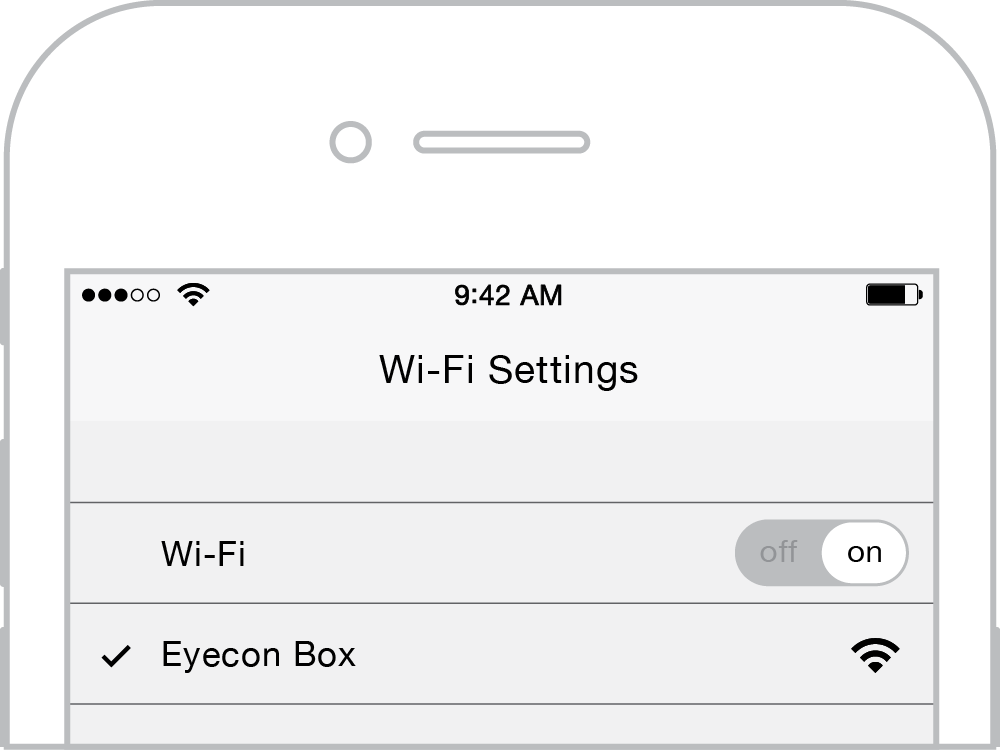
In your mobile device's wifi settings, connect to the network named “Eyecon Box”.
Step 3

Once you have connected, open a web-browser and visit my.eyeconlock.com. You may have to refresh this page.
Step 4
Follow the on-screen instructions to use your Eyecon Box.